Stop bookmarking three consoles
Each Sysible app is happy on its own port. Running several of them is where it gets tiresome: three addresses, three certificates to accept, three logins to keep straight. Sysible Linux Operations Platform is the front door you put in front of them — and nothing about the apps changes.
Everything by path
The portal at /, then /controller, /slep, /connect, /flashback. One origin, one bookmark.
Real single sign-on
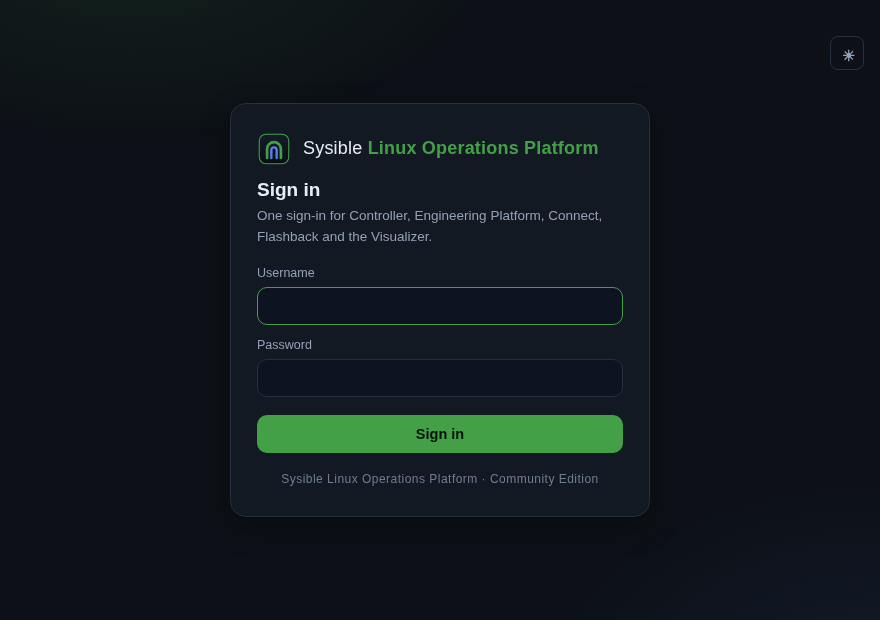
Sysible Linux Operations Platform ships its own identity provider. Sign in once at the portal and reach every app with no second login — and no app-by-app account sprawl.
Nothing to configure
It answers on 443 for whatever IP the host has. No subdomains, no /etc/hosts, no domain to buy before you can try it.
A single TLS story
Caddy terminates HTTPS for the whole origin with an internal CA by default, so you accept one certificate instead of one per app. Bring real certs when you want them.
The apps stay themselves
Each remains its own container on its own port, with its own native login for direct access. Sysible Linux Operations Platform reverse-proxies; it does not fork or wrap them.
Two modules of its own
Flashback and the Visualizer ship with the gateway — a config time machine and a cross-app activity view that only make sense across the whole suite.
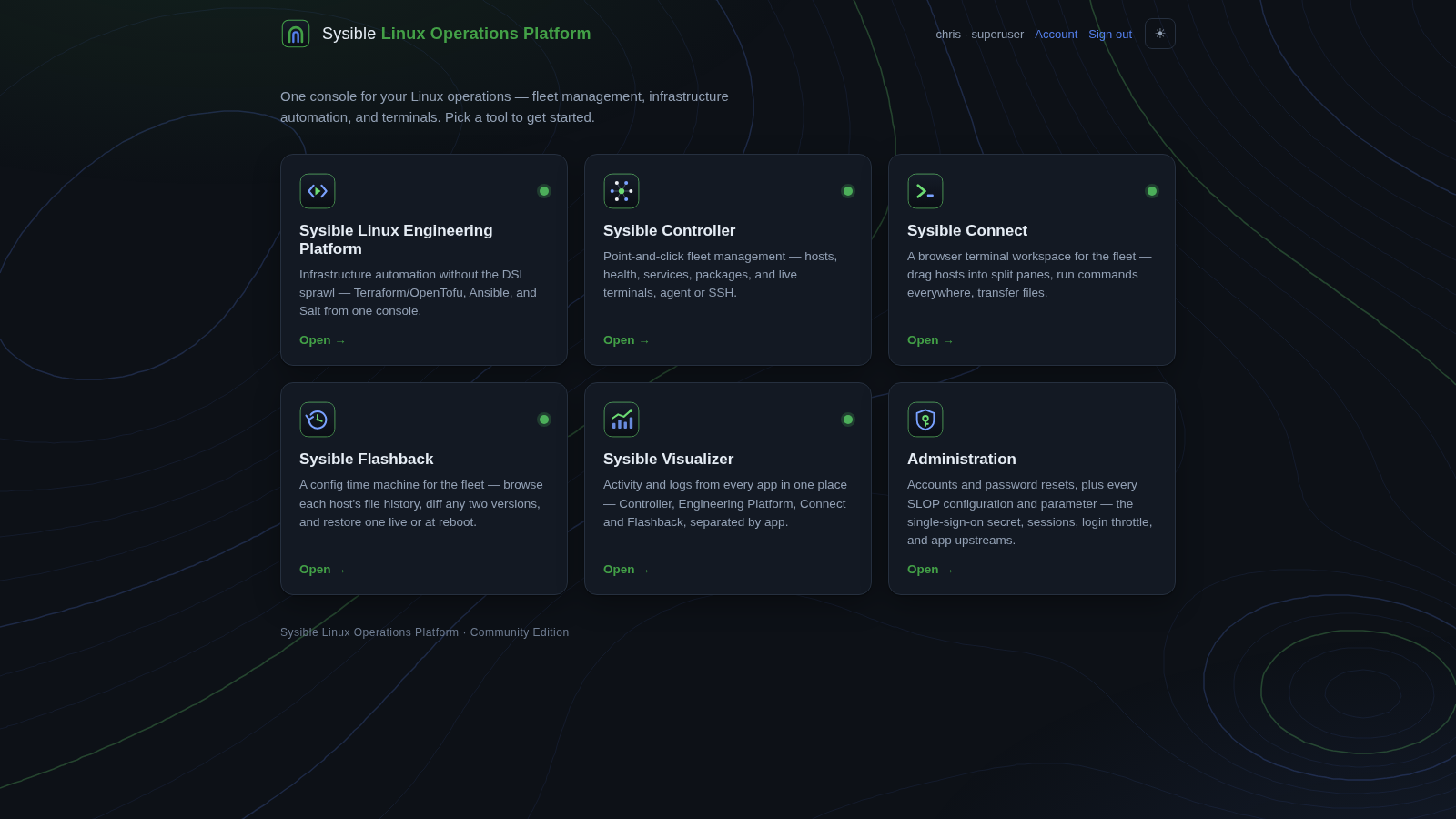
One origin, every tool on it
Sysible Controller
Point-and-click fleet management — hosts, health, services, packages, and live terminals, agent or SSH. Overview →
Engineering Platform
Infrastructure automation without the DSL sprawl — Terraform/OpenTofu, Ansible and Salt driven from one console.
Sysible Connect
A browser terminal workspace for the fleet — drag hosts into split panes, run commands everywhere, transfer files.
Sysible Flashback
A config time machine for the fleet — browse each host’s file history, diff any two versions, and restore one live or at reboot.
Sysible Visualizer
Activity and logs from every app in one place — Controller, Engineering Platform, Connect and Flashback, separated by app.
Administration
Accounts and password resets for all of it, plus the platform’s own settings — sessions, login throttle and app upstreams. Superusers only.
One sign-in, proved to every app
Sysible Linux Operations Platform owns the accounts
The platform ships its own identity provider: the user store, roles, and password resets for every app — self-service at /account, superuser management at /admin. One place to add someone, one place to lock them out.
The gateway proves who you are
On every proxied request the gateway asks the identity provider whether you are signed in, then stamps your identity onto the upstream request together with a shared secret only it knows. Any identity a browser tries to send is stripped first, so it cannot be forged — and each app trusts that identity only when the secret matches.
A reverse proxy, not a rewrite
# one origin, on this host's IP — no domain, no subdomains
https://<server-ip>/            → portal (sign in once)
https://<server-ip>/controller  → Controller   :8800
https://<server-ip>/slep        → Engineering  :8810
https://<server-ip>/connect     → Connect      :8700
https://<server-ip>/flashback   → Flashback    (internal)
The gateway strips the path prefix before proxying, so each app still serves at its own root and needs no knowledge of Sysible Linux Operations Platform. Already running the apps and only want the front door? sudo ./install.sh gateway installs the gateway and identity provider alone and leaves the apps exactly as they are.
Community & Enterprise
Community Edition
The gateway, the portal, the identity provider, Flashback and the Visualizer, in front of the Community Edition apps. Everything runs in containers on one host.
Enterprise Edition
The same gateway and portal in front of the Enterprise builds — PostgreSQL Controller, SSO/MFA and HA. The gateway config is edition-agnostic; only the upstreams and the auth backend differ. Get in touch for access.
Get Sysible Linux Operations Platform CE
One command stands up the whole stack: the apps, the gateway and the identity provider.
On Sysible Workstation
# Baked in — launch the installer and tick SLOP:
install-sysible slop
Or double-click Install Sysible Software on the desktop and tick SLOP.
Anywhere else
git clone https://github.com/sysiblesoftware/Sysible-Linux-Operations-Platform
cd Sysible-Linux-Operations-Platform
sudo ./install.sh
Installs Docker and git if they are missing, clones each app from its own repo, and opens the portal at https://<server-ip>/.
To take a new release, use sysible_ctl slop update rather than a bare rebuild: the gateway runs a bind-mounted config, so a rebuild alone leaves the new one on disk and unloaded. sysible_ctl validates it, loads it, proves the sign-in gate still fires, and waits for 443 to answer before reporting success.
One address for your Linux operations
Put Sysible Linux Operations Platform in front of the apps you already run — one URL, one certificate, one sign-in.