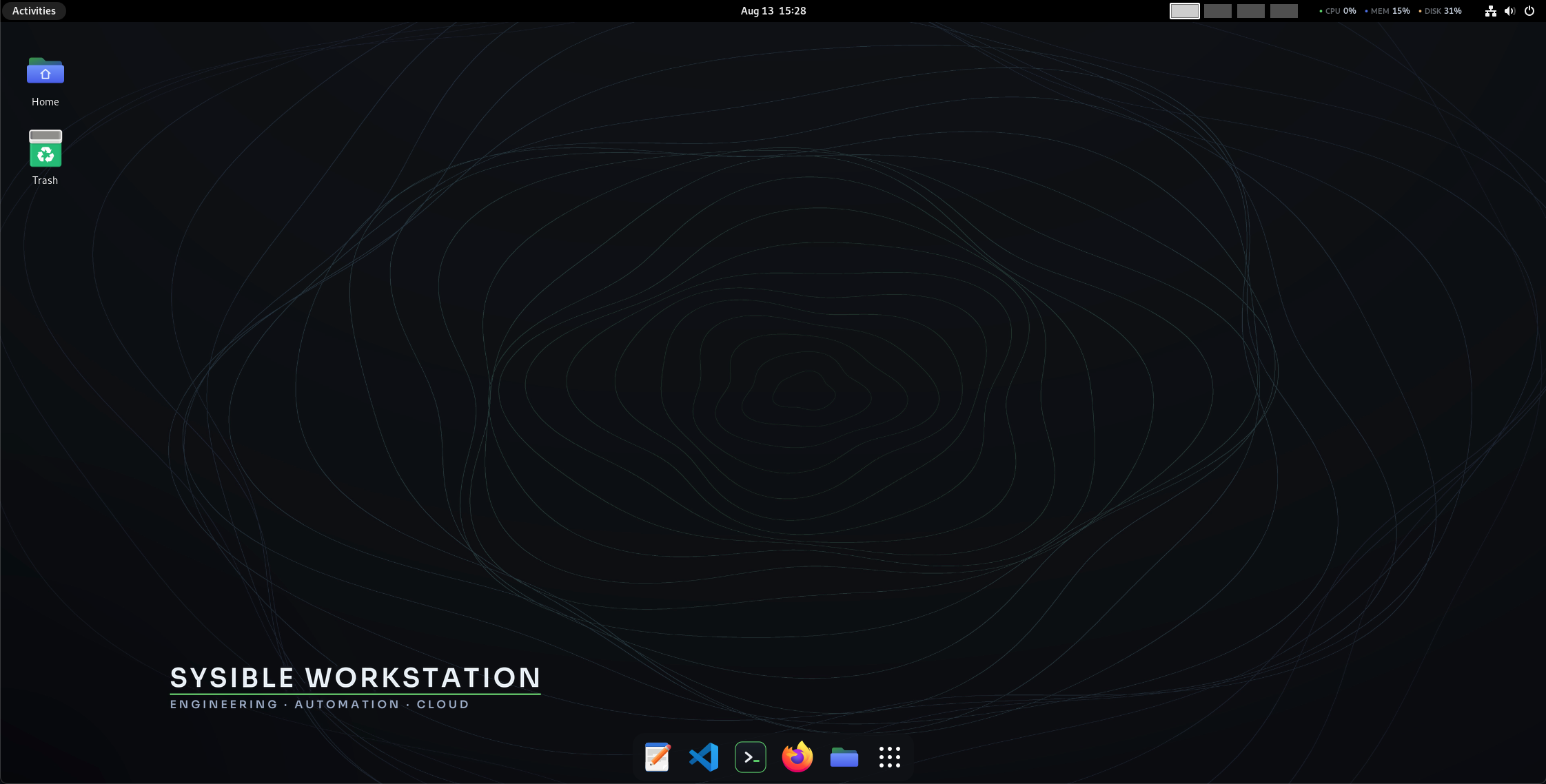
The workstation, already set up
A fresh Linux install means a day of installing Docker, a Kubernetes toolchain, OpenTofu, cloud CLIs, an editor and your shell setup before you can work. Sysible Workstation ships with all of it in place on a Debian-stable base — plus a terminal that helps when a command fails, and the Sysible Controller fleet console one click away. Boot it live to try it, or install it to disk.
The toolchain, already there
Containers, Kubernetes, infrastructure-as-code, cloud CLIs, VSCodium and PowerShell are baked into the image — nothing to install before you start.
A base you can trust
Built on Debian stable, so it’s familiar, well-supported and boring in the best way — apt, systemd and the whole ecosystem, unchanged.
SysTerm, system-wide
The system-default terminal: tabbed sessions, split panes you can broadcast across, and a right-click palette for the checks you run every day. Meet SysTerm →
Controller in the box
Sysible Controller CE is baked in — launch install-sysible and tick Controller to manage a whole Linux fleet from this machine.
GNOME, dialled in
A dark brand theme, four fixed workspaces, a bottom dock, a top-bar CPU/MEM/DISK monitor, and no idle-suspend to freeze a VM.
Runs where you do
Installable ISOs for Intel/AMD and for Apple Silicon — bare metal or a VM (open-vm-tools is preinstalled).
The whole toolchain, baked in
Docker & Compose
Docker Engine, the Compose plugin and containerd, installed and ready — build and run containers on first boot.
kubectl · Helm · k9s
The everyday Kubernetes toolchain, so a cluster is one kubeconfig away.
OpenTofu
Provision infrastructure as code with OpenTofu — the open, Terraform-compatible fork (MPL) — preinstalled.
Azure & Google Cloud
The az and gcloud CLIs are in the image — sign in and go.
VSCodium · CherryTree · LibreOffice
A real IDE, a note-taking app and a full office suite — a workstation on day one, not just a shell.
PowerShell & modern CLI
Bash and PowerShell, plus git, eza and sops, with SysTerm as the system-default terminal.
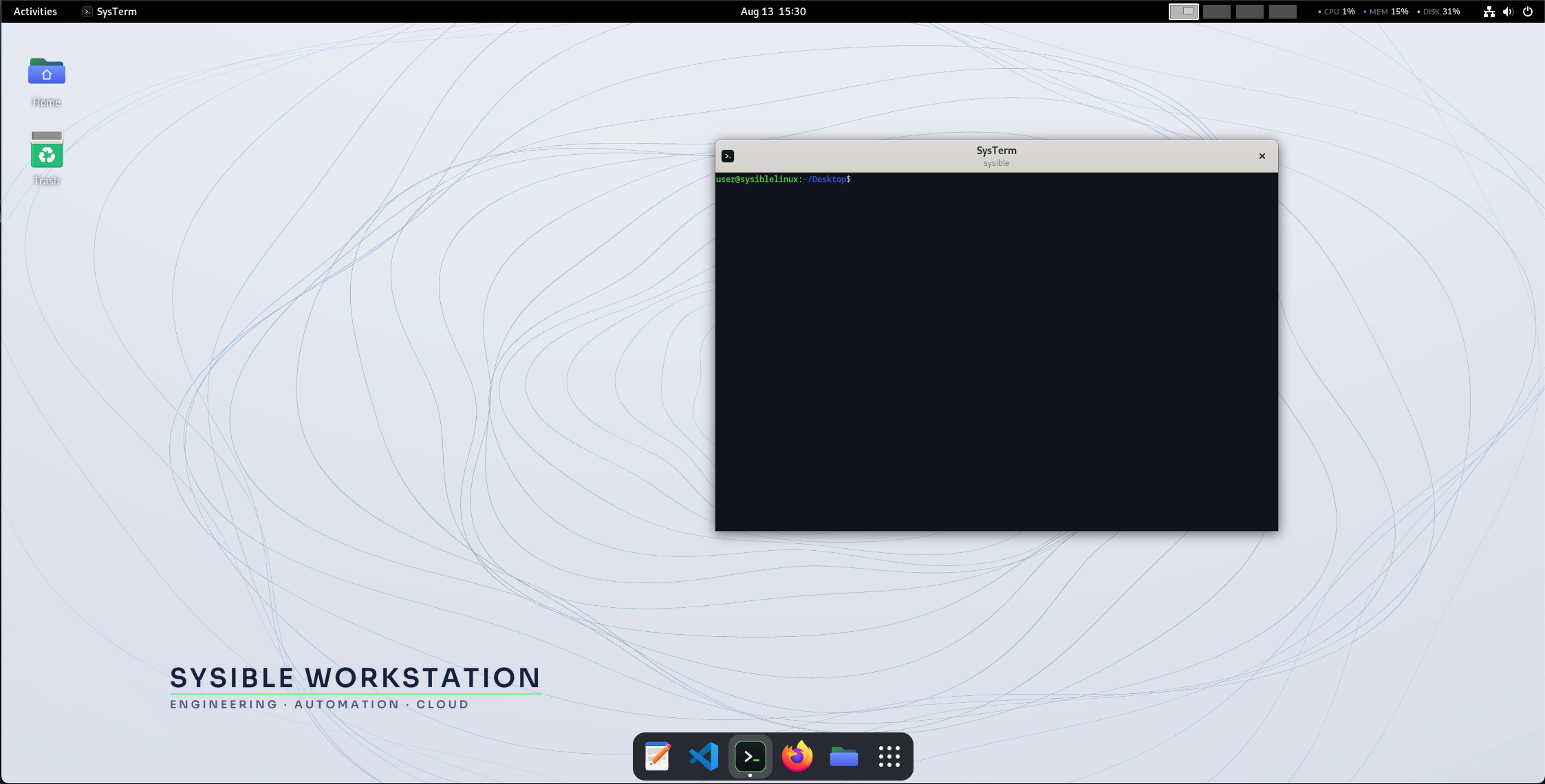
SysTerm
Tabs, split panes with broadcast, and a right-click command palette — registered as the system terminal. More →
Secure defaults
SSH off until you enable it (then key-only), fail2ban, password-quality rules and sysctl hardening — set at install.
KVM/libvirt ready
Groups, tooling and open-vm-tools in place for running VMs — or running Sysible Workstation itself in one.
A clean GNOME workspace
Try it live, then install
Boot the live session
Pick Sysible Workstation (Live) at the boot menu to run the whole desktop straight from the ISO — nothing touches your disk — and try the tools before you commit.
Guided install to disk
Pick Install Sysible Workstation (or launch the installer from the live desktop) for a branded, point-and-click Calamares install — erase-disk, alongside, or manual partitioning.
Default login for both the live session and a fresh install is sysible / sysible — change it after first boot with passwd. The installer can also remove the default account once you’ve made your own.
SysTerm & Controller
SysTerm
The system-default terminal — tabbed sessions, split panes you can broadcast one command across, and a right-click palette holding the checks you run every day plus your own saved commands.
Sysible Controller CE
Manage a whole Linux fleet — users, services, packages, storage, firewall, live terminals — from one console. Baked in: launch install-sysible.
Get Sysible Workstation
Installable live ISO on a Debian-stable base — boot it live to try it, or install to disk.
amd64 · Intel / AMD
arm64 · Apple Silicon
Install in VMware Fusion (Apple Silicon & Intel)
- Download the .iso for your architecture (above).
- Fusion → File → New → Install from disc or image → choose the ISO.
- For the OS, pick Linux → Debian 12.x (64-bit ARM on Apple Silicon, 64-bit on Intel).
- Give it 4 GB+ RAM and 40 GB+ disk; enable virtualization for containers/VMs.
- Boot it and pick Sysible Workstation (Live) to try it, or Install Sysible Workstation to install.
- Login: sysible / sysible. open-vm-tools is preinstalled, so clipboard sharing and display resize work out of the box.
Write to a USB stick & boot bare metal
- Download the ISO, then (optionally) verify it with sha256sum -c SHA256SUMS.
- Write it with dd, balenaEtcher or Rufus — the image is hybrid/isohybrid, so it boots UEFI and BIOS.
- Boot from the stick and choose Sysible Workstation (Live) or Install Sysible Workstation.
Your workstation, ready on first boot
Download the ISO, boot it live, and you’re in a full engineering desktop — toolchain and terminal included.