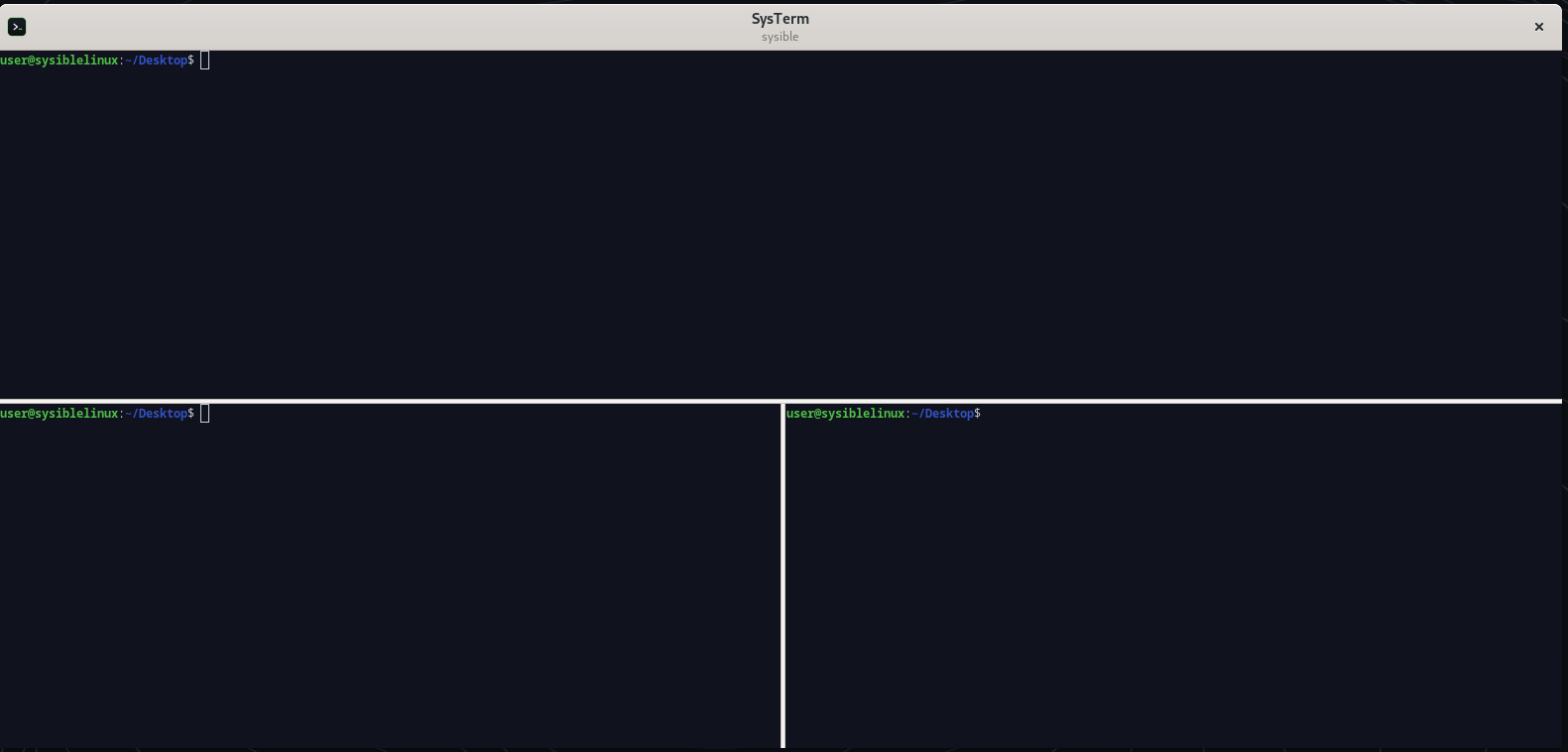
One window, as many shells as the job needs — split horizontally or vertically, broadcast a single command to every pane, and move between them without reaching for the mouse.
The terminal Sysible Workstation opens everywhere — tabbed sessions, split panes you can broadcast a command across, and a right-click palette that keeps the checks you actually run one click away. Dark by default, wired in as the system terminal, and installable on the distro you already use.
One window, as many shells as the job needs — split horizontally or vertically, broadcast a single command to every pane, and move between them without reaching for the mouse.
One window, many shells, and the commands you run twenty times a day within reach of the mouse.
Divide a window horizontally or vertically into as many shells as you need, and cycle between them without leaving the keyboard.
Type once, run everywhere: send a command to every pane in the window at the same time — the fast way to do the same thing on eight boxes.
Right-click → Run Command keeps the usual checks — apt update/upgrade, disk and
memory usage, failed services — plus your own saved commands, one click away.
Wired in as the default across Sysible Workstation, so every Open Terminal lands here. Prefer another distro? It installs on Ubuntu, Fedora, Arch and openSUSE too.
The terminal you get everywhere on Sysible Workstation.
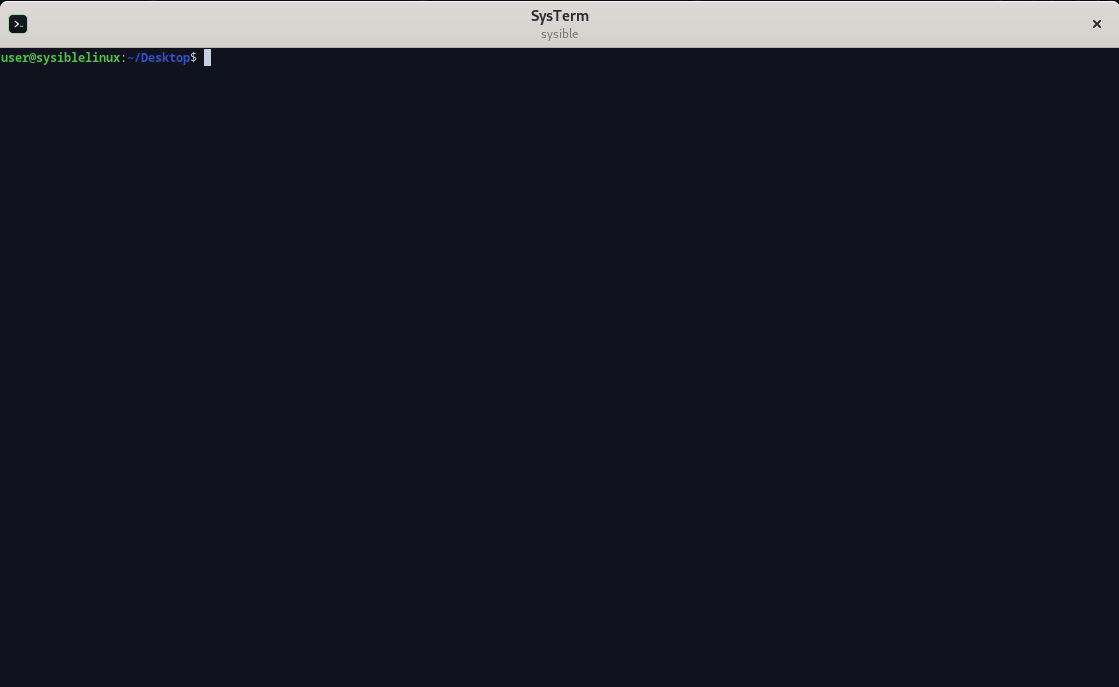
The system terminal. Dark by default and registered system-wide, so Open Terminal everywhere — the dock, the file manager, the editor — launches this. Nothing to configure on first run.
It's part of Sysible Workstation. Or add it to the distro you already run.